Bounce
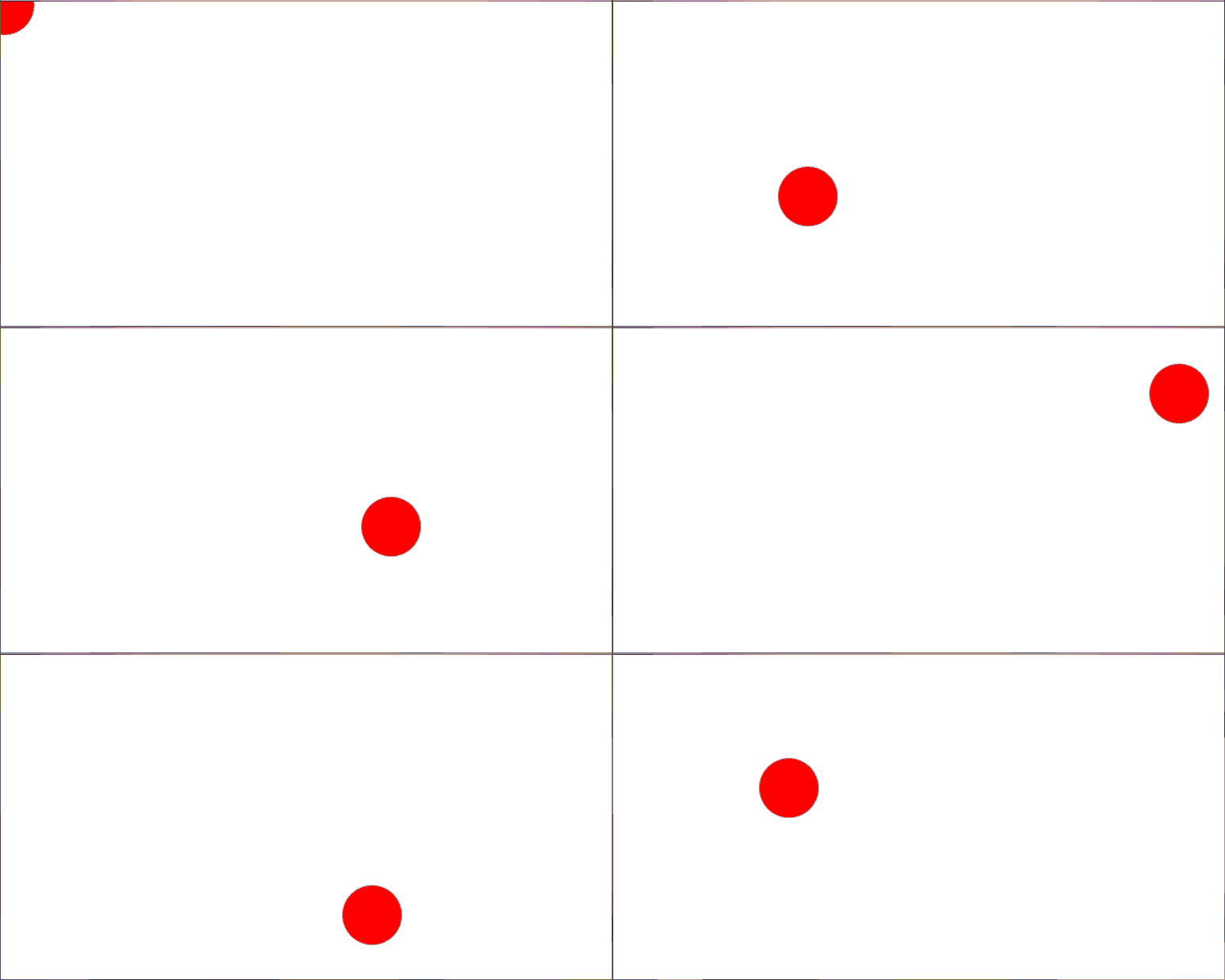
This example adds animation and state to an application. A red circle moves across the page, changing direction when it hits an edge.
update
The update function moves the circle and may change its velocity depending on its position. It uses the x, y, width, and height properties of the canvas scaler to check the bounds of the canvas:
update :: Delta -> Scalers -> State -> Effect (Maybe State)
update _ { canvas } { x, vx, y, vy } = pure $ Just $
  { x: x + vx'
  , vx: vx'
  , y: y + vy'
  , vy: vy'
  }
  where
  vx' = updateV x canvas.x (canvas.x + canvas.width) vx
  vy' = updateV y canvas.y (canvas.y + canvas.height) vy
This update is a pure function, but update functions run in Effect, so the new state is wrapped in pure.
To signal whether the state has changed, the new state is wrapped in a Maybe value with the Just constructor. If the function returned Nothing instead, this would tell Gesso to keep the state the same.
[!IMPORTANT] The
Maybewrapper is important because the state type can be anything, and there are many types that can’t be compared for equality.
Rendering
The render function uses the rect property of the canvas scaler to clear the visible portion of the canvas:
render :: Context2D -> Delta -> Scalers -> States State -> Effect Unit
render context _ { canvas } { current: { x, y } } = do
  Canvas.clearRect context canvas.rect
Sample output